 Annual Leave Tracker
Boost Efficiency with the Best Employee Clocking In System
At its simplest, an employee clocking-in system is how a business keeps a record of when its people are working. Gone are the days of manually signing in a book or punching a physical card. Think of it as the digital evolution of the time clock, built to precisely log start times, breaks, and when everyone heads home.
This isn't just about counting hours; it's the bedrock of accurate payroll and fair pay for your team.
From Punch Cards to Smart Software
The leap from the old mechanical punch clock to today's systems is huge. We've moved from a clunky, analogue process to sophisticated software that acts as a central command for managing your workforce.
Instead of just stamping a piece of card, an employee might now clock in via a mobile app on their phone, a desktop computer, or even a biometric scanner that recognises their fingerprint. This is more than just an upgrade—it's a fundamental shift from basic timekeeping to strategic time management.
This digital approach is a win-win. For the business, it delivers a clear, impartial record of hours worked, which is absolutely vital for running payroll smoothly and staying compliant with UK labour laws like the Working Time Regulations.
For employees, it builds trust. They know they're being paid accurately for every minute they work, including any overtime. A solid system takes the guesswork out of the equation and helps prevent any disputes over hours.
Take a look at how far we've come. The difference between the old way and the new way is stark.
The Evolution from Punch Cards to Digital Systems
| Feature | Traditional Punch Cards | Modern Digital System |
|---|---|---|
| Method | Mechanical stamping of a paper card | Mobile app, web browser, biometric scanner, or kiosk |
| Data Entry | Manual calculation and data entry into payroll | Automatic and instant data sync to the cloud |
| Accuracy | Prone to human error, time theft, and "buddy punching" | Highly accurate with GPS and biometric verification |
| Reporting | Manual, time-consuming report generation | Real-time, customisable reports with a few clicks |
| Accessibility | Data locked in a physical location | Accessible anytime, anywhere via the cloud |
| Integration | Standalone; no connection to other business systems | Seamless integration with payroll, HR, and accounting software |
As you can see, the move to digital isn't just about convenience; it fundamentally changes what's possible with time and attendance data.
The Modern Approach to Time Tracking
A modern clocking-in system does far more than just log hours. It gives you real-world insights that you can act on. It helps managers see staffing levels at a glance, track hours spent on specific projects, and spot trends in attendance or absenteeism.
This kind of data is gold. It helps you make much smarter decisions about where to put your resources and how to improve productivity. Some of the most crucial functions include:
- Automated Timesheets: Clocking in and out automatically populates a digital timesheet, completely removing the tedious and error-prone task of manual entry.
- Payroll Integration: Most systems link directly with popular payroll software like Xero or QuickBooks. This connection prevents costly human errors and cuts down administrative time significantly.
- Compliance Assurance: It builds an objective, easily accessible audit trail of all hours worked, making it straightforward to prove compliance with legal requirements.
The infographic below really brings to life how a modern, mobile-first system puts these powerful tools right in the palm of an employee's hand.
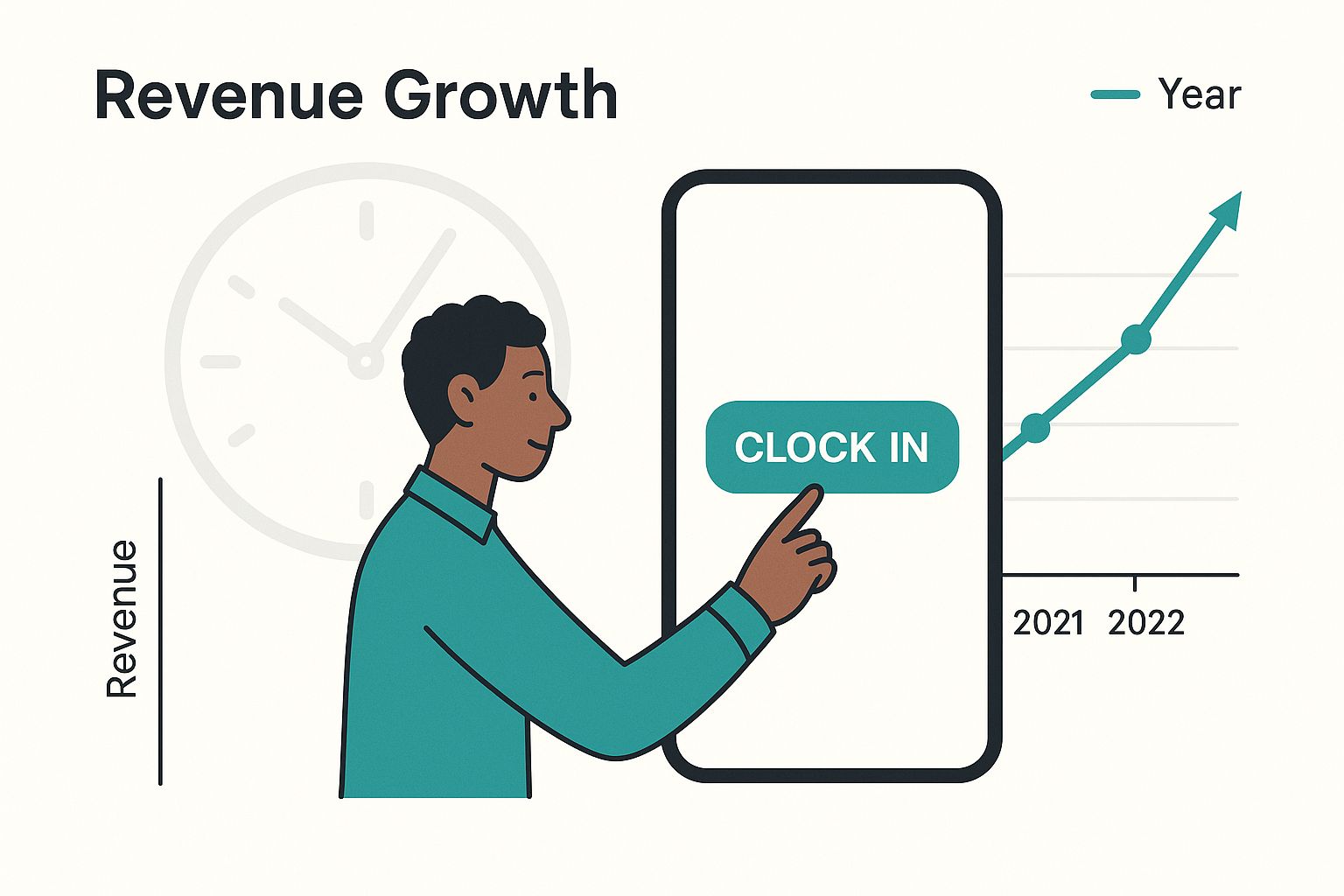
This highlights the move towards user-friendly, flexible interfaces that not only make life easier for staff but also deliver clean, accurate data for the business.
Here's the rewritten section, designed to sound like it was written by an experienced human expert.
What to Look For: The Must-Have Features of a Modern Clocking In System
A modern clocking in system is so much more than a digital punch card. Think of it less as a simple start-and-stop button and more as a command centre for your workforce, giving you clarity, accuracy, and efficiency you just can't get with manual methods. To really get your money's worth, you have to look past the basic time logging and focus on features that solve genuine business headaches.
It’s a bit like a well-equipped toolkit. You could try to build a cabinet with just a hammer, but having the right drills, saws, and measures makes the job faster, easier, and a heck of a lot more precise. The same goes for managing your team's time.
Automated Timesheet Generation
First and foremost, the system has to generate timesheets automatically. This is the bedrock feature. Every time an employee clocks in or out, that action should instantly and accurately populate their timesheet without anyone having to lift a finger.
This one feature alone wipes out countless hours of soul-destroying admin. No more hunting people down to ask for their hours, no more trying to make sense of scrawled notes on a scrap of paper. The system handles it all, making sure every minute is logged and ready for payroll.
Security and Accuracy Tools
Let's be honest: accuracy is everything. And one of the oldest problems in the book is "buddy punching" – when one employee clocks in for their late-running mate. Modern systems have some clever tricks up their sleeve to put a stop to this.
To make sure your data is airtight, look for systems with solid verification methods:
- Biometric Scanners: Using a fingerprint or facial scan is the gold standard for proving someone is who they say they are. It’s perfect for places where everyone works from a fixed location, like a workshop, warehouse, or retail shop.
- GPS Tracking and Geofencing: This is an absolute game-changer for any business with staff out in the field. GPS confirms an employee is actually on-site when they clock in. Geofencing takes it a step further by creating a virtual perimeter around a job site, which can automatically prompt staff to clock in when they arrive and out when they leave.
A clocking in system without strong security is like a bank vault with the key left in the lock. It might look secure, but it doesn't actually stop anything. Real accuracy comes from data you can trust.
Real-Time Reporting and Analytics
A great system doesn't just collect data; it helps you make sense of it. Real-time dashboards and reports are what separate a basic time tracker from a powerful business management tool. Imagine a retail manager seeing they're understaffed on a busy Saturday afternoon and being able to call in extra help on the spot.
Or a project manager keeping a close eye on the hours being poured into a specific job, making sure it doesn't go over budget. This is where time tracking stops being a chore and starts becoming a strategic asset that helps you run a smarter, more profitable business.
The move to these systems is gaining serious momentum in the UK, especially as hybrid working models demand better ways to measure productivity and stay compliant. It's estimated that by 2025, a staggering 96% of companies globally will be using some form of time-tracking software. You can dive deeper into these trends and what they mean for employee privacy in this detailed statistical overview.
How Accurate Time Tracking Boosts Your Bottom Line
It’s easy to look at an employee clocking-in system as just another business expense. But that’s missing the bigger picture. In reality, it’s a powerful tool that directly strengthens your financial health, plugging hidden leaks and unlocking efficiencies you might not even know you were missing.
The most obvious win is in payroll accuracy. Let's be honest, manual timesheets are a breeding ground for mistakes. A forgotten shift here, a miscalculation there—it all adds up. In fact, studies show that manual methods often have an error rate of up to 7%. For a small business, that can quickly spiral into thousands of pounds in overpayments each year.
An automated system simply gets rid of those errors. It captures the exact moment someone clocks in and out, ensuring your payroll is spot-on every single time. You only ever pay for the hours that were actually worked. That precision alone can deliver a serious return on your investment.
From Data Collection to Smarter Decisions
But accurate payroll is just the start. The real magic happens when you start looking at the data a clocking-in system gathers. It gives you a crystal-clear view of where your team's time is actually going, turning vague assumptions into solid, actionable insights.
Suddenly, you’re equipped to make much smarter decisions about how your business runs. For example, you can:
- Optimise Staffing Levels: See exactly when your busiest periods are and schedule staff accordingly. No more being caught short or paying for people to stand around.
- Improve Project Budgeting: By tracking the hours spent on different projects or clients, you can create far more accurate quotes in the future and see which jobs are truly profitable.
- Manage Absences Effectively: Get a real handle on attendance patterns and spot potential issues early. For a deeper dive, see how you can boost HR with staff absence management software.
This kind of information empowers managers to put resources where they’ll have the biggest impact, which is a direct line to better productivity and healthier profit margins.
Consider the case of a small hospitality business with 20 hourly employees. By switching from paper timesheets to an automated clocking in system, they reclaimed five hours of administrative work each week and reduced payroll errors by £4,000 in the first year alone.
Reclaiming Valuable Administrative Time
Finally, let's talk about the hidden cost of doing things the old way. Think about the hours your managers or admin staff spend chasing down timesheets, deciphering handwriting, and manually keying everything into the payroll system. That’s valuable time being drained away from activities that actually grow the business.
Automating this process frees up your team to focus on what really matters—things like recruiting top talent, developing your people, and building a better company culture. It’s not just about saving money on payroll; it’s about reinvesting your team’s time and energy into the heart of your business. The right system more than pays for itself.
How to Choose the Right Clocking In System
Picking the right employee clocking in system can feel like you're lost in a maze. There are countless options out there, all promising the world. The secret is to ignore the flashy features and focus on what your business genuinely needs. A great choice is a tool that fits your team, workflow, and budget like a glove.
Think of it like buying a car. You wouldn’t get a two-seater sports car for a family of five. In the same way, a massive enterprise solution is just expensive overkill for a ten-person start-up. The first, most critical step is to get a really clear picture of your specific requirements.
Assess Your Business Needs First
Before you even glance at a vendor’s website, you need to map out your own operational landscape. Understanding your day-to-day reality will act as your North Star, pointing you toward a system that will actually help, not hinder.
Start by asking a few practical questions.
How and where does your team get their work done?
- Office-Based Teams: A simple desktop login or a physical terminal at the door might be all you need.
- Field or Remote Workers: You’ll want a solution with a solid mobile app, ideally with GPS or geofencing to confirm people are where they say they are.
- Hybrid Models: Flexibility is key here. You need a system that works just as well for someone at their kitchen table as it does for someone in the office.
How big is your team? A system built for 500 employees will have features (and a price tag) that are completely unnecessary for a team of 15. And crucially, think about tomorrow. If you're planning on growing, make sure you choose a scalable system that can expand with you.
Evaluate Key Features and Functionality
Once you know what you need, you can start weighing up your options based on their features. Don't let a long list of capabilities distract you; zero in on the ones that will truly make a difference to your daily operations. A massive part of this is figuring out how a new system will slot into what you already have.
The best employee clocking in system is one you barely notice because it works so seamlessly with everything else. Its primary job is to remove friction, not create it.
Look for a system that plays nicely with your current payroll and HR software. That connection is what automates the flow of data, getting rid of manual entry and dramatically cutting down the risk of expensive mistakes. You can learn more about finding the right tools in our complete guide to HR systems for small businesses.
Research Vendors and Request Demos
With your list of needs and must-have features in hand, it's time to create a shortlist of potential vendors. Hunt for companies with glowing customer reviews, transparent pricing, and a solid reputation for support, especially from UK-based businesses.
Whatever you do, never commit to a system without seeing it in action. A product demo is your chance to get your hands dirty and test how user-friendly it is for both your employees and your admin team. Is the interface intuitive? If it’s clunky or confusing, your team simply won’t use it properly, and you’ll have wasted your investment. That hands-on experience is the final, essential step to making a choice you can feel confident about.
Staying on the Right Side of UK Labour and Data Laws
For any business in the UK, getting employee time tracking right isn't just a "nice-to-have"—it's a legal must. Juggling all the rules can feel like a headache, but a modern clocking-in system is one of the smartest ways to handle your obligations, keep things fair for your team, and protect your business from serious risks.
The main piece of legislation you need to know is the Working Time Regulations (WTR) 1998. This is the rulebook for working hours, rest breaks, and holiday pay. Trying to track all this manually is an administrative nightmare, and let's be honest, guesswork just won't cut it when compliance is on the line.
Nailing the Working Time Regulations
The most famous rule in the WTR is the limit on the average working week. A proper clocking-in system creates a clear, digital paper trail, giving you undeniable proof that you're playing by the rules.
- The 48-Hour Week: The law says most staff can't work more than an average of 48 hours a week, usually calculated over 17 weeks. A digital system does the maths for you, automatically flagging anyone getting close to the limit before it becomes a real problem.
- Proof of Rest Breaks: You also need to prove your team is taking their legally required breaks. For example, an adult working more than six hours gets a 20-minute uninterrupted break. A clocking system records this, so there's no ambiguity.
This snapshot from the official GOV.UK site breaks down the basic rules on maximum weekly hours.
The crucial thing to remember is that while employees can choose to opt out of the 48-hour week, you still need watertight records for everyone who hasn't.
Simply put, a solid employee clocking-in system is essential for accurately recording hours, managing things like time off in lieu (TOIL), and meeting your legal duties without getting bogged down in paperwork. For a deeper dive, you can find more insights on UK time tracking compliance on timegrip.com.
Protecting Employee Data with GDPR
It’s not just about labour laws. The way you handle the data from your clocking-in system falls under the General Data Protection Regulation (GDPR). Because time and attendance information is personal data, you have a legal duty to look after it properly.
It all comes down to transparency. You need to be upfront with your employees about what data you're collecting, why you need it (like for payroll and WTR compliance), and how you're keeping it secure.
A good clocking-in system will have security features built-in, helping you tick all the GDPR boxes. This isn't just about avoiding fines; it's about building a culture of trust and transparency with your people.
Integrating Your System for Seamless Operations
An employee clocking-in system is useful on its own, but its real power comes alive when it’s connected to your other business software. Think of it less as a solo instrument and more as the conductor of an orchestra. When your time tracking platform can talk to your payroll, accounting, and HR tools, you create a smooth, automated workflow that just works.
This integration is what finally puts an end to the soul-crushing task of manual data entry. Instead of someone spending hours meticulously copying numbers from a timesheet into a payroll system like Xero or Sage, the data simply flows where it needs to go on its own. This isn't just a time-saver; it dramatically cuts down the risk of expensive human errors.
Creating a Unified Workflow
When your systems are properly connected, an approved timesheet can instantly kick off the payroll process. A team member’s holiday request, once approved, automatically updates their work schedule and syncs with payroll, ensuring their pay packet and leave balance are always spot on. Our own guide to online leave management systems dives deeper into how these connections create a single, reliable source of truth for all absence data.
This interconnected ecosystem effectively turns your clocking-in software into the central hub for all your workforce data, boosting efficiency across the board.
A well-integrated system ensures that every piece of time and attendance data is automatically shared where it's needed most, turning isolated information into actionable business intelligence without any manual effort.
It's also worth noting how wider economic trends in the UK can influence how businesses use these systems. For instance, as of June 2025, the UK saw a slight dip in payrolled employees to 30.3 million, a 0.6% drop from the previous year. This kind of shift highlights why businesses need to be smart and adopt efficient technology. It helps them optimise productivity and stay compliant, especially in growing sectors like health and social work, which often have incredibly complex time-tracking needs. You can dig into these UK employment trends on ONS.gov.uk.
FAQs: Your Clocking In System Questions Answered
Dipping your toe into the world of digital time tracking naturally brings up a few practical questions. Let's face it, nobody wants to invest in a new system only to find it creates more problems than it solves. Here are some straight answers to the most common queries we hear.
How Long Does It Take To Get Started?
This is a big one. Many managers picture weeks of disruption and technical headaches, but that’s rarely the case anymore. Most modern, cloud-based systems are designed to get you up and running incredibly quickly.
For a typical small or medium-sized business, you can be fully operational in just a few hours. The process is usually straightforward: set up an account, upload your employee list, and maybe run a quick "how-to" session with your team.
What Happens If Someone Forgets To Clock In?
It happens to the best of us. A busy morning, a client call first thing—people forget. This is a simple fix.
A manager or administrator can just log in to the system's dashboard and add or edit the time entry manually. This keeps the employee's timesheet accurate for payroll. Crucially, a good system will also record that a manual change was made, which is great for transparency and keeping a clear audit trail.
The point of a modern clocking system isn't to play "gotcha" with your team; it's to build an accurate, fair record of worked time. Features for easy manual adjustments are a sign of a well-thought-out, practical tool.
How Does The System Handle Different Pay Rates?
This is where a quality system really shines. Any business with a mix of full-time, part-time, or freelance staff knows the payroll headache of juggling different pay rates.
A flexible clocking-in system lets you assign a unique pay rate to each employee. So, whether you've got salaried staff, hourly workers, or people on different pay grades for weekend work, the software does the heavy lifting. It automatically calculates the correct pay based on their tracked hours, which means no more complex spreadsheets and manual sums.
Ready to simplify your time and attendance tracking? Annual Leave Tracker provides an intuitive, UK-focused platform that eliminates paperwork and ensures accuracy. Learn more on our website.
Ready to Transform Your Leave Management?
Join 500+ companies using Annual Leave Tracker to streamline their HR processes.
Related Articles

How to Calculate Pro Rata Holidays A Simple UK Guide
Working out pro rata holidays is actually quite straightforward. At its core, it's just about making...
September 24, 2025
How to Calculate Annual Leave Entitlement: UK Guide
Figuring out annual leave entitlement doesn't have to be complicated. The basic formula is simple:...
September 24, 2025
HR Systems for Small Business A Complete Guide
Trying to run a small business using spreadsheets and a jumble of different documents is a bit like...
September 25, 2025